ansi-saver: A macOS Screensaver for ANSI Art
If you grew up dialing into BBSes, you probably remember the experience of watching ANSI art load over a modem connection — characters filling the screen line by line, colors and shapes slowly revealing themselves. It was mesmerizing in a way that's hard to explain to anyone who wasn't there.
I spent a lot of time in that world. And every now and then I find myself browsing 16colo.rs, the archive that preserves decades of ANSI and ASCII art from the BBS scene. One day, while staring at my Mac's screensaver, the idea clicked: what if it could show that art instead?
So I built ansi-saver.
What is ANSI art?
For those unfamiliar: ANSI art is a form of digital art created using text characters and escape codes — the kind you'd see on bulletin board systems (BBSes) in the late 80s and 90s. Artists used the limited palette of 16 colors and the CP437 character set to create surprisingly detailed illustrations, logos, and animations. Think pixel art, but made entirely of text characters.
16colo.rs has an incredible archive of this art, organized by group and release pack. It's worth a visit even if you've never seen a BBS in your life.
What it does
ansi-saver is a macOS screensaver that streams ANSI art from 16colo.rs packs or from local folders on your machine. It downloads the art, renders it, and scrolls through the pieces with smooth 60fps animations powered by Core Animation.
It supports multiple file formats from the scene: .ANS, .ICE, .ASC, .BIN, .XB, .PCB, and .ADF. You can configure the scroll speed and direction, transition style (scroll or crossfade), render scale (1x to 4x, useful for Retina displays), and whether to show filename separators between pieces.
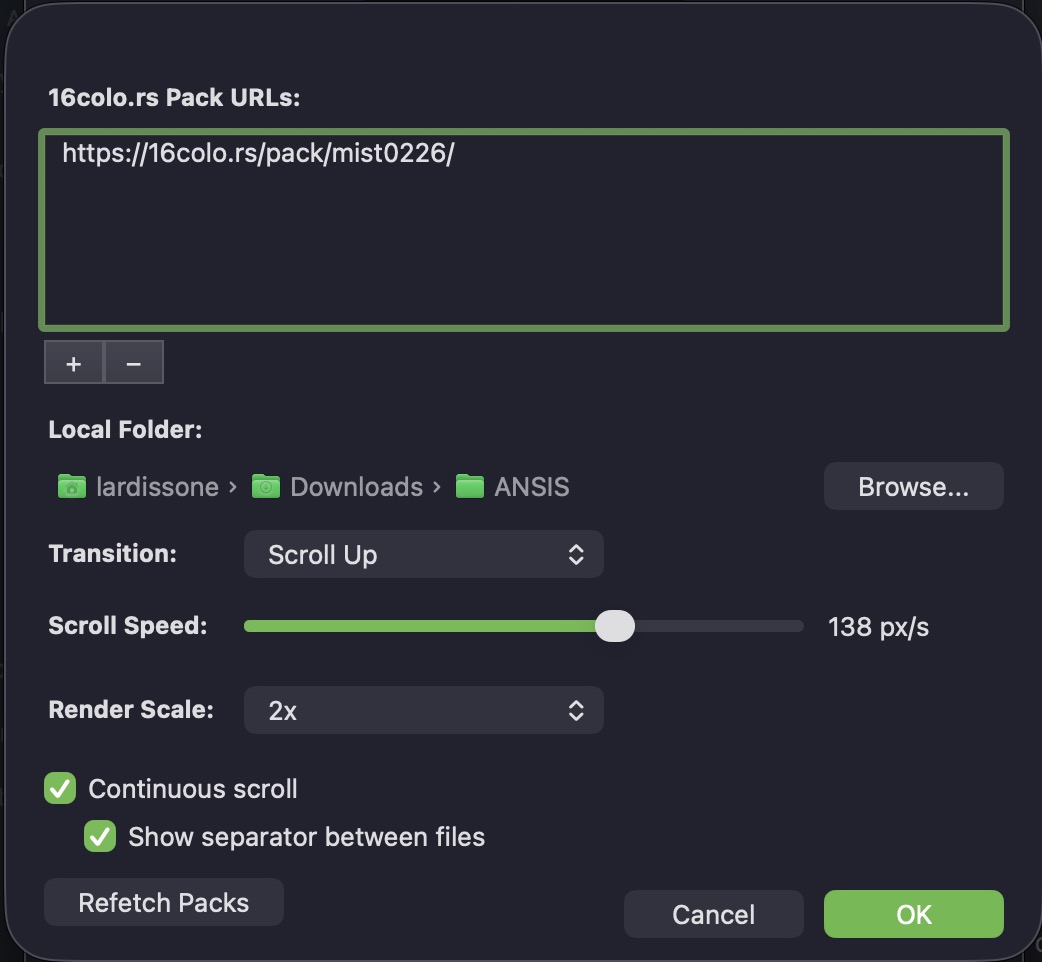
There's also a continuous scroll mode that stacks multiple artworks vertically, creating an endless stream of art — like scrolling through a BBS that never ends.
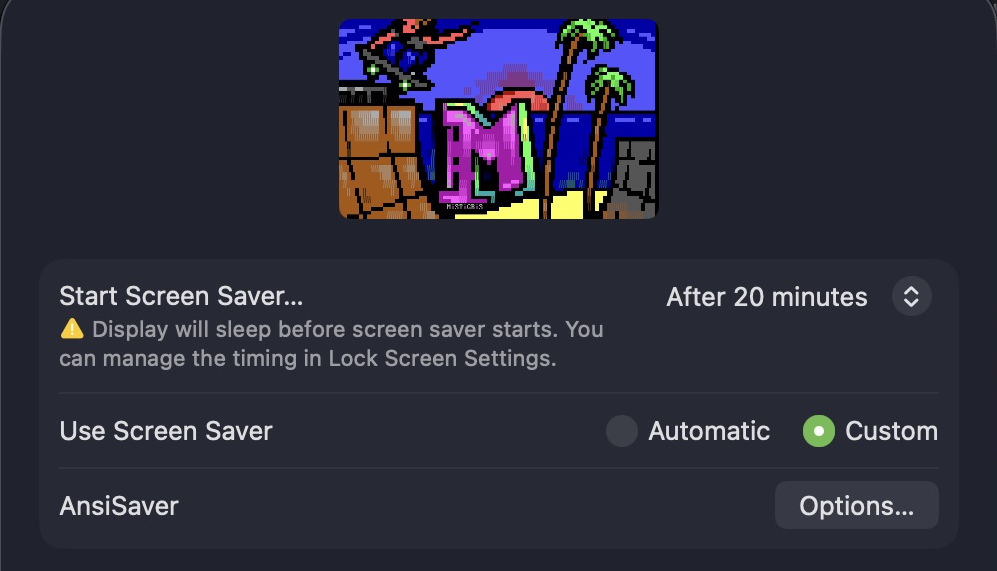
Here's a quick demo of it in action:
How it's built
I wrote it in Swift, which is not my usual language. That was part of the appeal — a nice challenge outside my comfort zone.
The core rendering is handled by libansilove, a C library that renders ANSI art files to images using the authentic CP437 fonts. I vendored it as a git submodule and integrated it via a bridging header. Getting Swift and C to play nicely together was one of the more interesting parts of the project.
The rendering pipeline is straightforward: download a pack from 16colo.rs (or read files from a local directory), feed each file through libansilove to generate a PNG, then display it using Core Animation layers. Files are rendered on demand to keep memory usage reasonable — there's no point rendering a whole pack upfront when the screensaver shows one piece at a time.
Try it out
If you have an Apple Silicon Mac running macOS Tahoe or later, you can grab it from the GitHub releases. Download the zip, unzip, double-click to install, and approve it in System Settings > Privacy & Security.
Some packs I'd recommend to start with:
- Blocktronics: ACiD Trip — Blocktronics x ACiD collaboration
- iCE 9906a — classic iCE collection
- Fire 0697 — Fire crew pack
Check out the repo for more details, and browse 16colo.rs for art packs to feed into it.